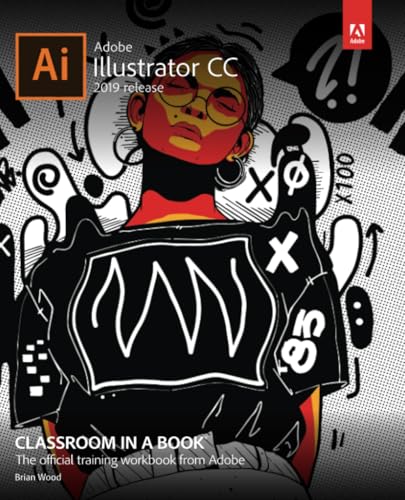

Adobe Illustrator CC : 2019 release / Brian Wood.
Material type: TextSeries: Classroom in a book | Classroom in a bookPublisher: San Jose, California : Adobe Press, an imprint of Pearson Education, Inc., [2019]Publisher: ©2019Description: xiv, 466 pages : illustrations (chiefly color) ; 24 cmContent type:
 - text
- still image
- unmediated
- volume
- 9780135262160
- 013526216X
- Adobe Illustrator Creative Cloud
- 006.6/86 23
- T 385 W66 2019
| Item type | Current library | Collection | Shelving location | Call number | Status | Date due | Barcode |
|---|---|---|---|---|---|---|---|
 Book
Book
|
TUP Manila Library | NFIC | General Circulation Section-GF | T 385 W66 2019 (Browse shelf(Opens below)) | Available | P00033778 |
"The official training workbook from Adobe."
Includes index.
Getting to know the work area -- Techniques for selecting artwork -- Using shapes to create artwork for a postcard -- Editing and combining shapes and paths -- Transforming artwork -- Creating an illustration with drawing tools -- Using color to enhance signage -- Adding type to a poster -- Organizing your artwork with layers -- Gradients, blends, and patterns -- Using brushes to create a poster -- Exploring creative uses of effects and graphic styles -- Creating artwork for a T-shirt -- Using Illustrator CC with other Adobe applications -- Exporting assets.
Creative professionals seeking the fastest, easiest, most comprehensive way to learn Adobe Illustrator CC (2019 release) choose Adobe Illustrator CC Classroom in a Book (2019 release) from the best-selling series of hands-on software training workbooks from Adobe Press. The 15 project-based lessons show users the key techniques for realizing your creative potential with Adobe Illustrator CC. Following hands-on step-by-step projects, users create logos, illustrations, posters, and more. Explore the new streamlined Tools panel and all of the features essential for being creative in Illustrator, including working with the Shaper tool and Live Shapes along with dynamic symbols to streamline graphics creation. Create website assets and export them in multiple formats to support modern responsive web designs. From exacting illustration to free-form painting, you'll build a strong foundation in Illustrator as you progress through the lessons. -- Provided by publisher.
There are no comments on this title.