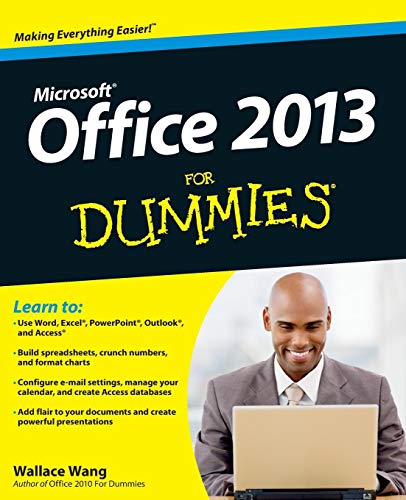

Office 2013 for dummies / by Wallace Wang.
Material type: TextSeries: --For dummies | --For dummiesPublication details: Hoboken, NJ : John Wiley & Sons, c2013.Description: xxii, 406 p. : ill. ; 24 cmISBN:
 - 9781118497159 (pbk.)
- 1118497155 (pbk.)
- 9781118497111 (pbk.)
- 1118497112 (pbk.)
- Microsoft Office 2013 for dummies
- Office twenty thirteen for dummies
- 005.5 23
- HF 5548.4 M523 W35 2013
| Item type | Current library | Shelving location | Call number | Status | Date due | Barcode |
|---|---|---|---|---|---|---|
 Book
Book
|
TUP Manila Library | General Circulation Section-GF | HF 5548.5 M523 W35 2013 (Browse shelf(Opens below)) | Available | P00030221 |
Includes index.
pt. 1. Getting started with Office 2013 -- Introducing Microsoft Office 2013 ; Selecting and editing data ; Modifying pictures ; Getting help from Office 2013 -- pt. 2. Working with Word -- Typing text in Word ; Formatting text ; Designing your pages -- pt. 3. Playing the numbers with Excel -- The basics of spreadsheets: numbers, labels, and formulas ; Playing with formulas ; Charting and analyzing data -- pt. 4. Making presentations with PowerPoint -- Creating a PowerPoint presentation ; Adding color and pictures to a presentation ; Showing off a presentation -- pt. 5. Getting organized with Outlook -- Managing e-mail with Outlook ; Calendars, contacts, and tasks -- pt. 6. Storing stuff in Access -- Using a database ; Searching, sorting, and querying a database ; Creating a database report -- pt. 7. The part of tens -- Ten tips for using Office 2013 ; Almost ten ways to make Office 2013 easier to use.
Explains how to effectively utilize the latest version of the integrated software package, covering Word, Excel, PowerPoint, Outlook, and Access.
There are no comments on this title.